

More precise checks
Rule differences and an accurate event account
After using the VS789 blackjack discussion to understand the structure, you may need to distinguish which information belongs to which table and what happened. This section explains that checking method without repeating the general rules.
Match the table identity as well as the date
A newer date does not make a rule applicable to every blackjack table. Match the name, version, mode and effective time. Do not merge single-deck instructions with a multiple-deck table merely because parts of their names match.
To check an earlier round, you need the conditions applicable to that round as well as today's wording. VS789's explanation does not establish a particular operator's historical rules. If the scope of a change is unclear, ask the relevant verified support route.
- Note the full table name and mode.
- Separate differences in deck count and important rules.
- Retain document dates, effective times and the time of the round in question.
When promotion wording and rules differ
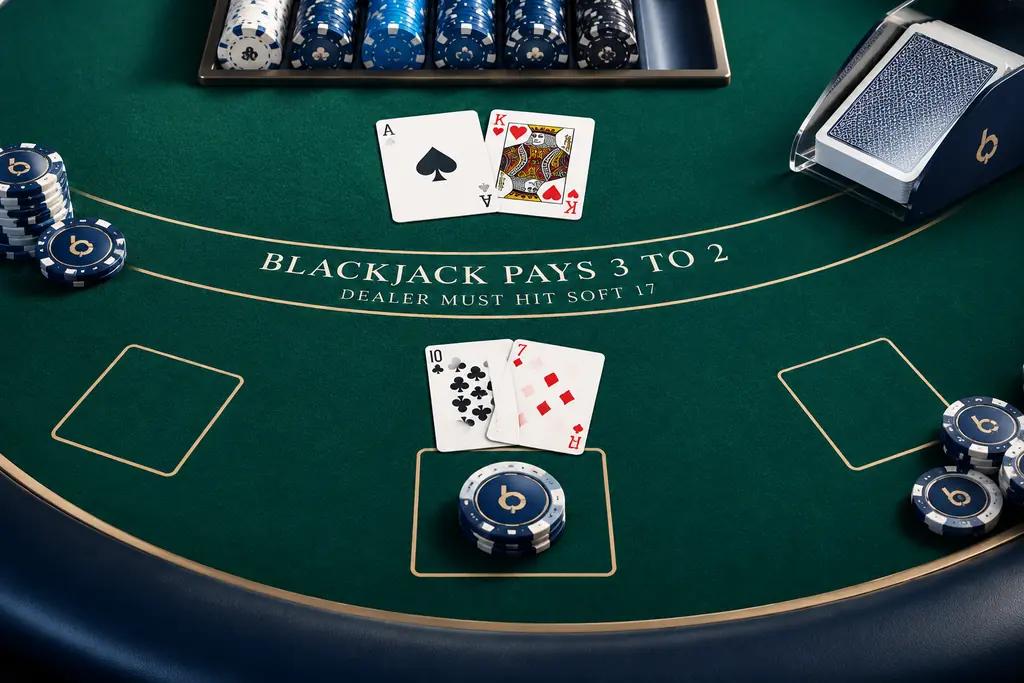
A picture of a dealer table does not prove a particular deck count or payout rule. The word blackjack in a promotion does not describe every variant's rules. Do not add an advantage absent from the rules simply because of an image.
State the difference precisely: where a claim appeared, what the rules say and which applicability question remains unanswered. Seek an explanation for the specific version rather than treating one source as the final answer in every situation.
| Information type | How to describe it |
|---|---|
| Promotion or introduction | Identify the object and period addressed by the claim. |
| Selected table's conditions | Record the actual wording and mode when describing a difference. |
| Unresolved question | Ask which rule applies to the round, without presuming the answer. |
Keep events separate from assumptions
Seeing a timeout message is an observation; why it appeared and which action was accepted are separate questions. Similarly, an unchanged balance does not establish cancellation or a completed refund. Describe a result as confirmed only when the record establishes that status.
The VS789 Help page explains preparation for contact. Include time, page address, error text and a redacted round identifier. Do not attach passwords, verification codes, full identity documents or complete payment information to ordinary email.
- Describe the event once: what action preceded what you saw.
- Match the time and table identity to any relevant record.
- Separate suspected causes from confirmed results.
- If acceptance or completion is unclear, stop new input and ask through verified support.